
Features
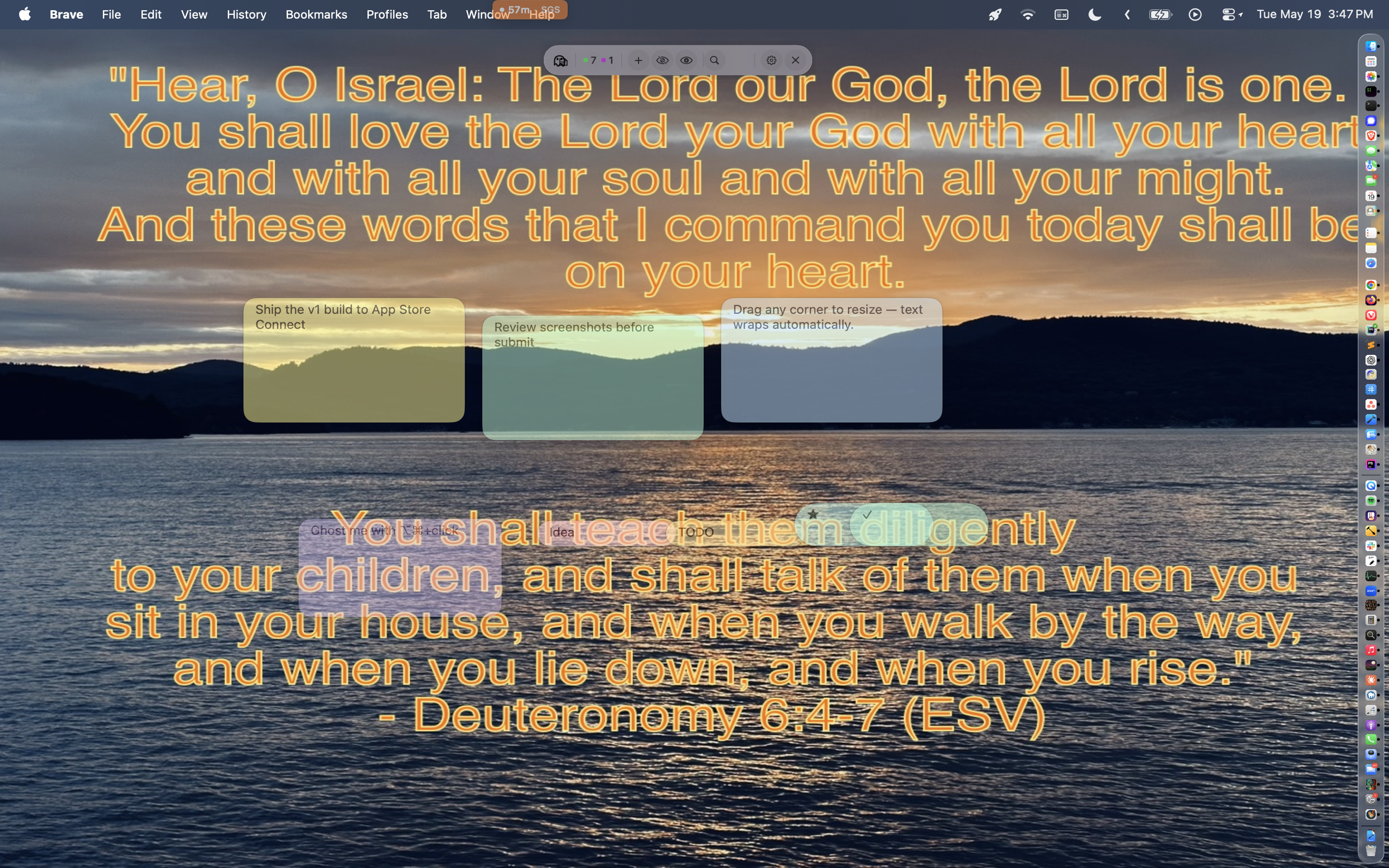
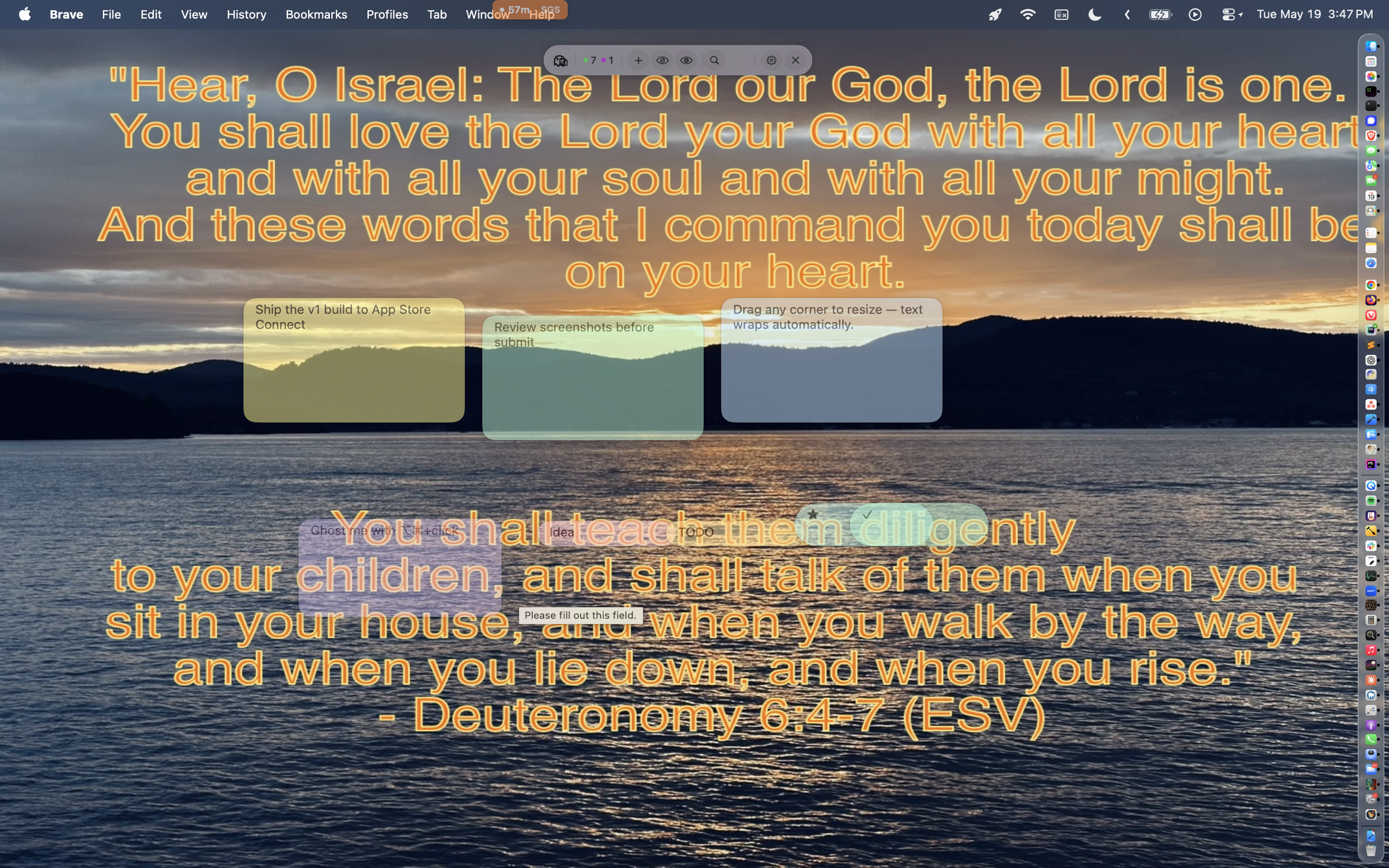
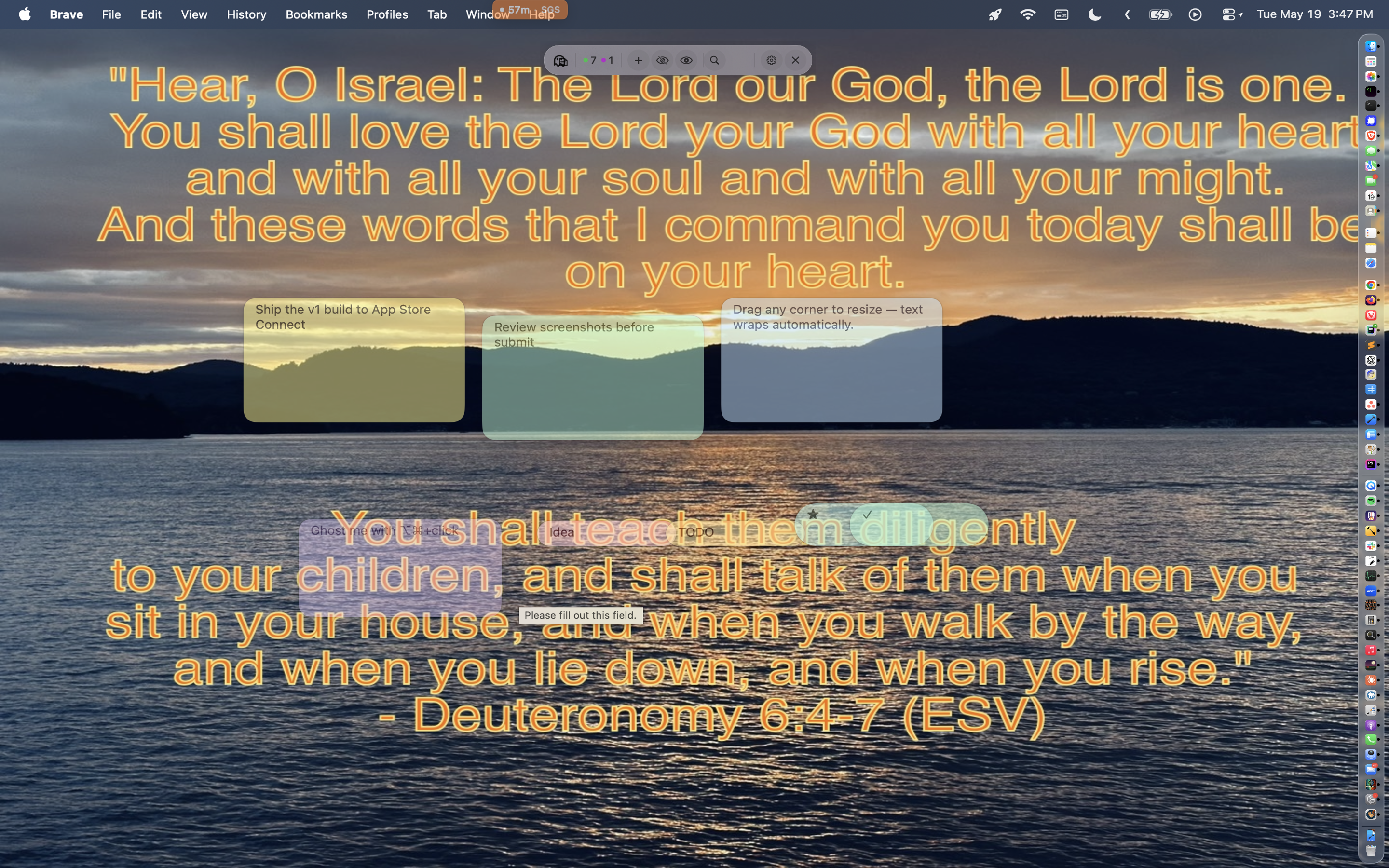
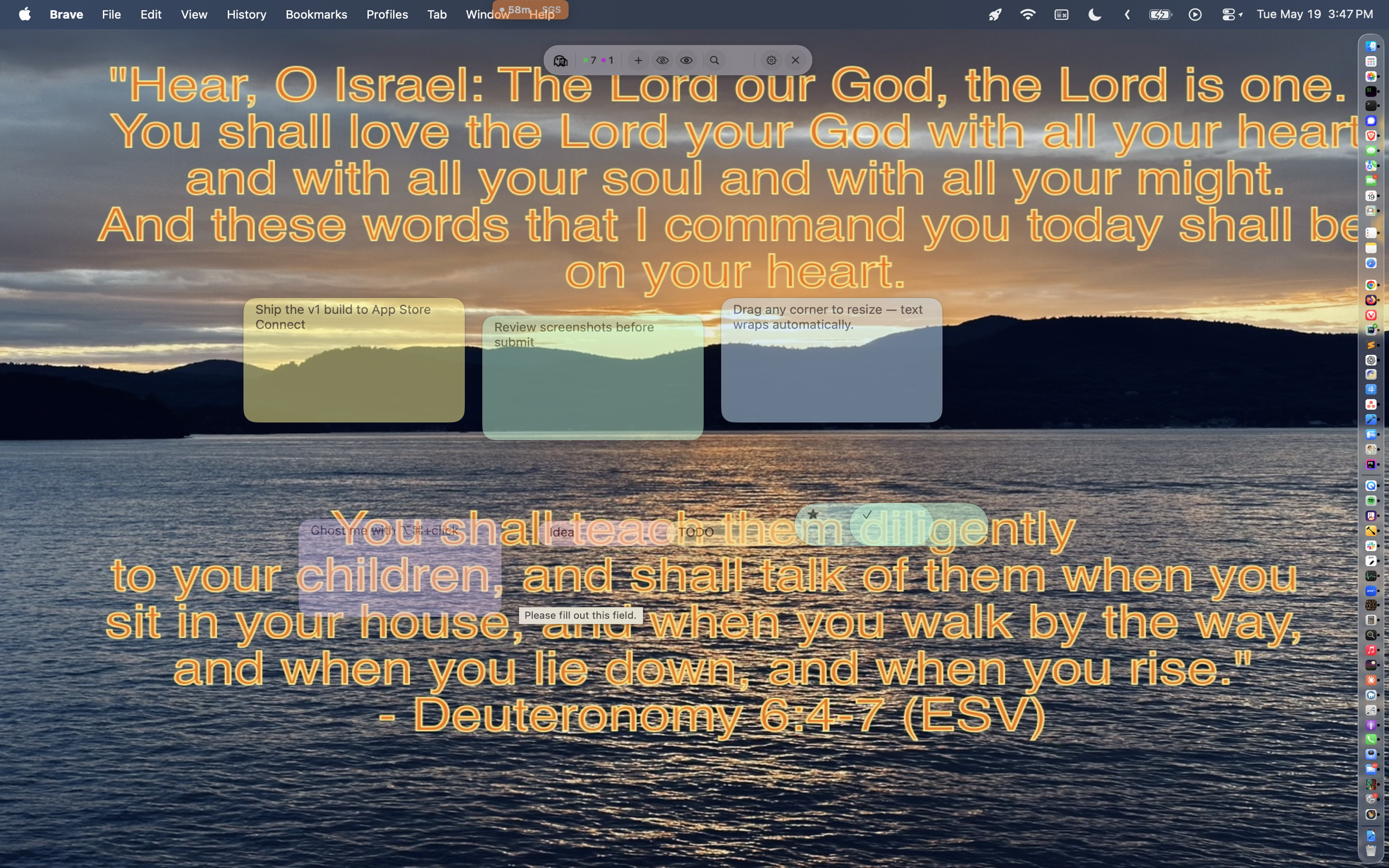
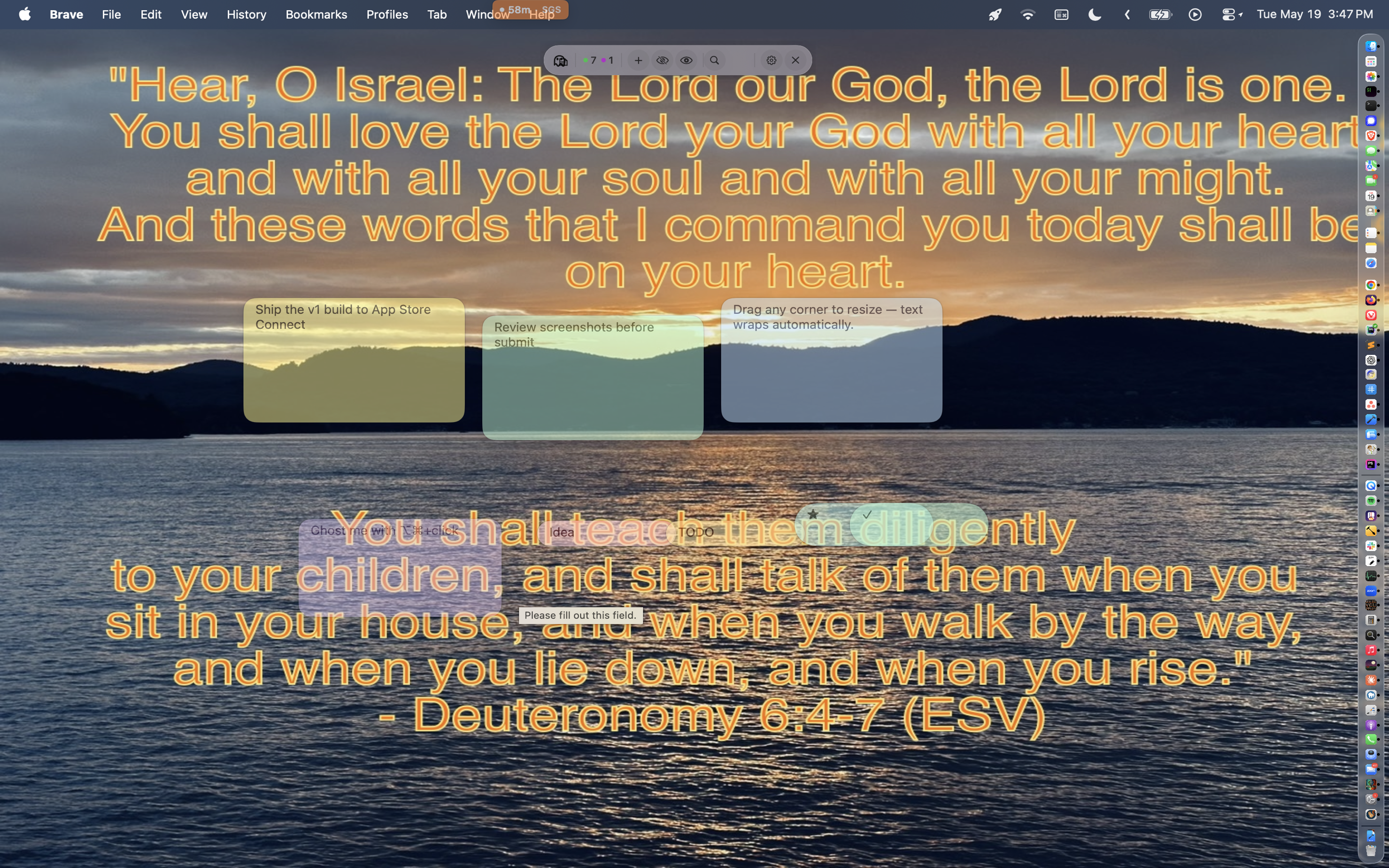
Ever cluttered your desktop with sticky notes you can't see past? Ghost Sticky Notes keeps quick thoughts and reminders floating above your work — then fades them to a whisper until you need them. Hover, click, or hit a shortcut and they snap back into focus.
Ghost Mode
- Fade individual notes — or every note — to a low opacity
- Per-note opacity overrides, hover-reveal, and ghost-only effects
- Global keyboard shortcut to ghost or unghost everything
- Cycle all notes (ghost / unghost / hide / show) from one command
Pills & Icon Pills
- Tiny capsule-shaped notes for one-word reminders or status badges
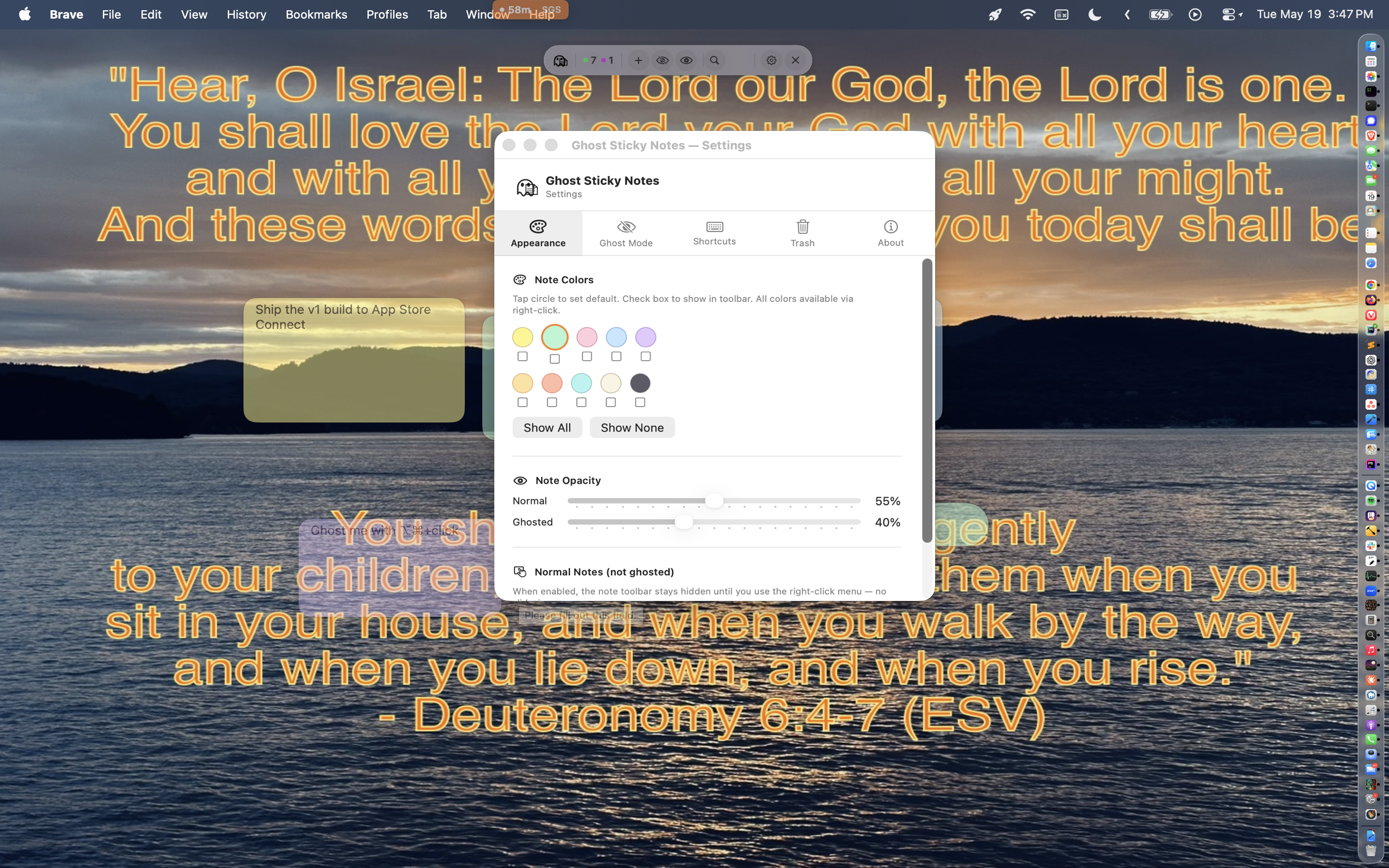
- Pick a color when you create them — 10 themes including Dark
- Icon pills (48×48) sit on the desktop like a marker — resize freely
Menu Bar HUD
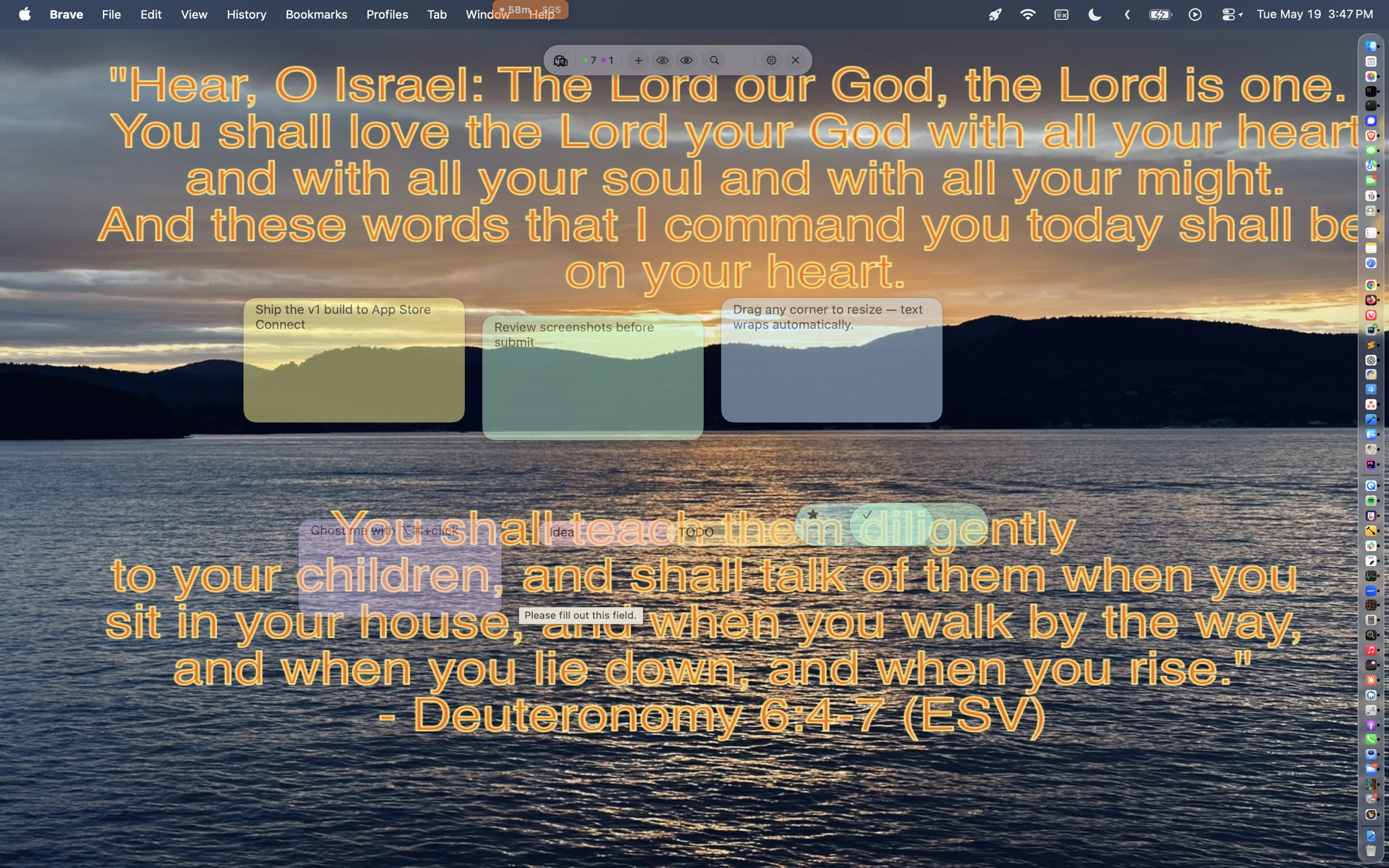
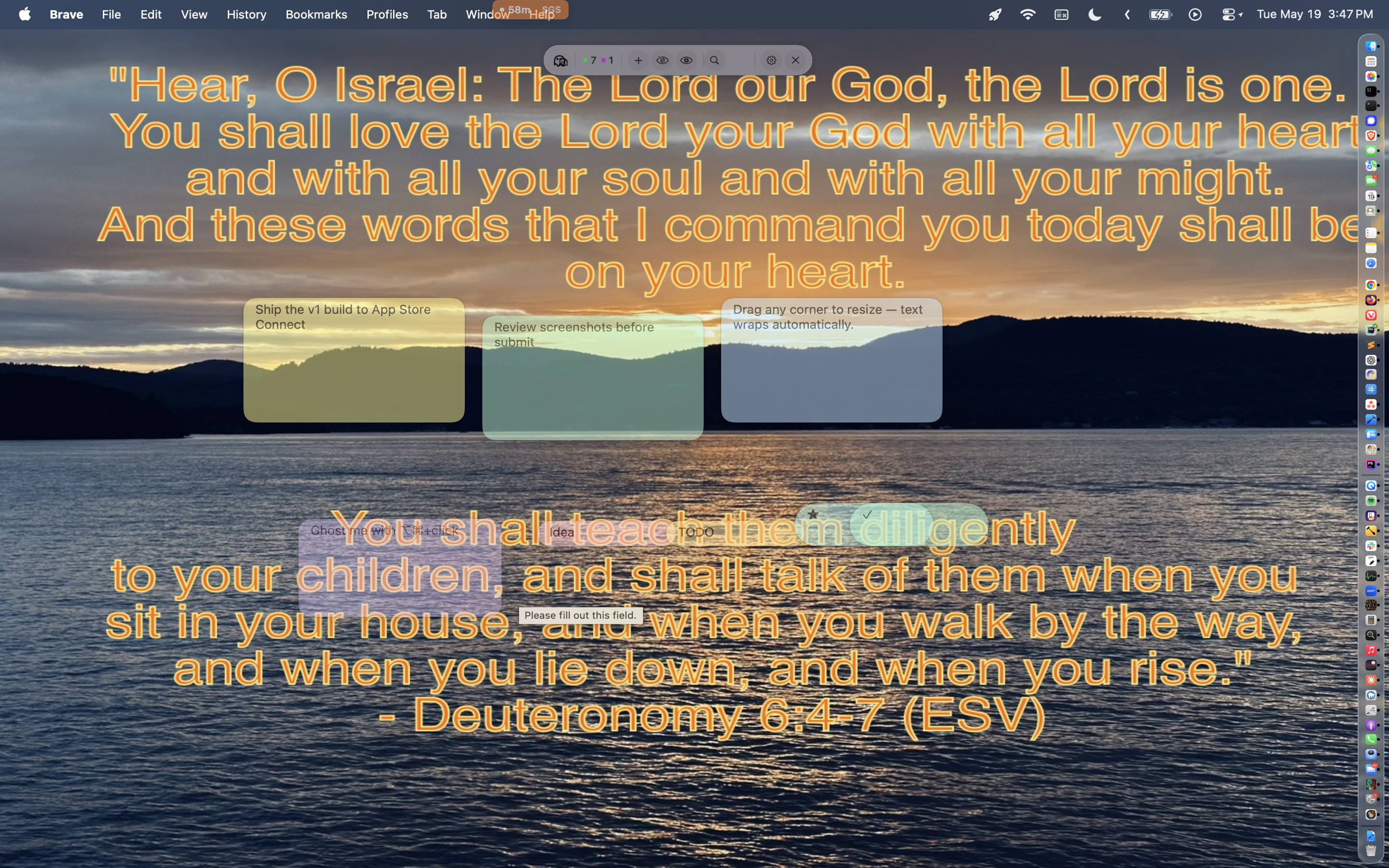
- Compact floating HUD: counts, new note, ghost-all, search, settings
- Right-click the
+to spawn a Pill or Icon Pill in any color - Drag to reposition; resizes between icon-only and full
Rich Notes
- Formatted text, fonts, inline images, cover images, corner icons
- Drop images from anywhere; paste from the clipboard
- Per-note font size and color overrides
Snap & Pin
- Snap a note to the edge of a target window — above, below, left, or right
- Pin so the note follows the window as it moves
- Optional: only show the note when the pinned app/window is visible
- Uses Accessibility permission for window tracking
Search & Select
- Find notes instantly by text from the HUD
- Filter the whole deck by color or cover image — pick from the chip row
- Action bar: Ghost · Unghost · Trash · Cascade · Tile · Stack · Bring to Front · Copy
System Requirements
- macOS 13 (Ventura) or later
- Optional Accessibility permission for Window Snap & Pin
- Apple Silicon or Intel Mac
Get it Now
Available for macOS for Free.

Requires macOS 13 Ventura or later.