
Why BibleWrite
A focused, fast writing app built natively for the Mac, centered on Scripture — a top-level Bible menu, instant KJV verse lookup, and distraction-free rich text with one-click Save as PDF. No accounts, no subscriptions, no clutter.
Bible menu
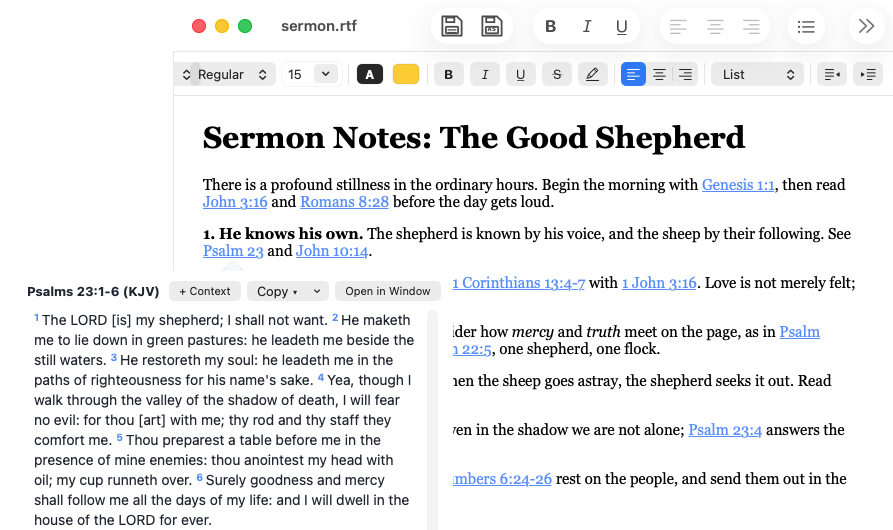
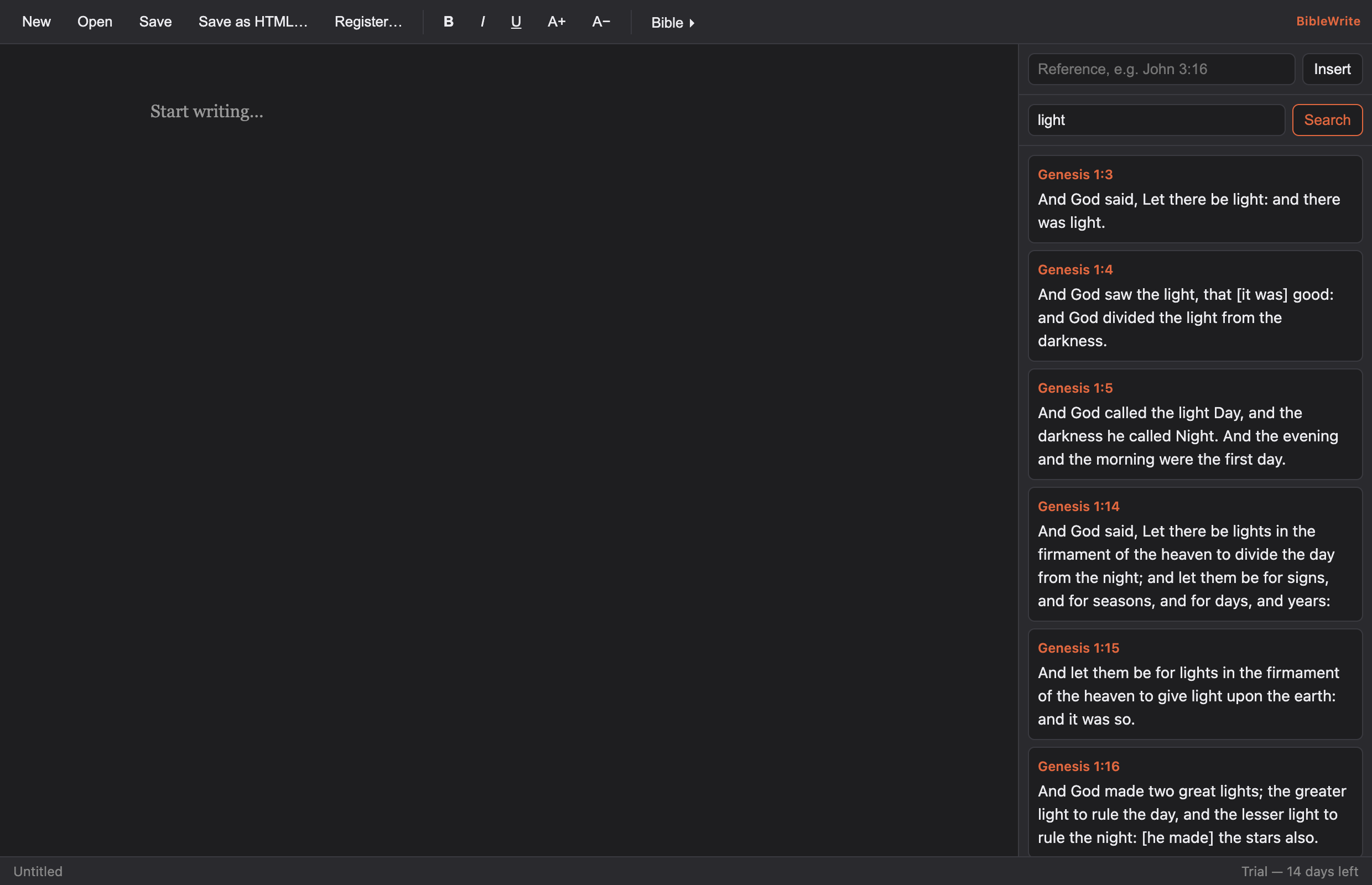
A dedicated top-level Bible menu puts Scripture lookup, verse insertion, and the explorer one click away while you write.
KJV verse lookup
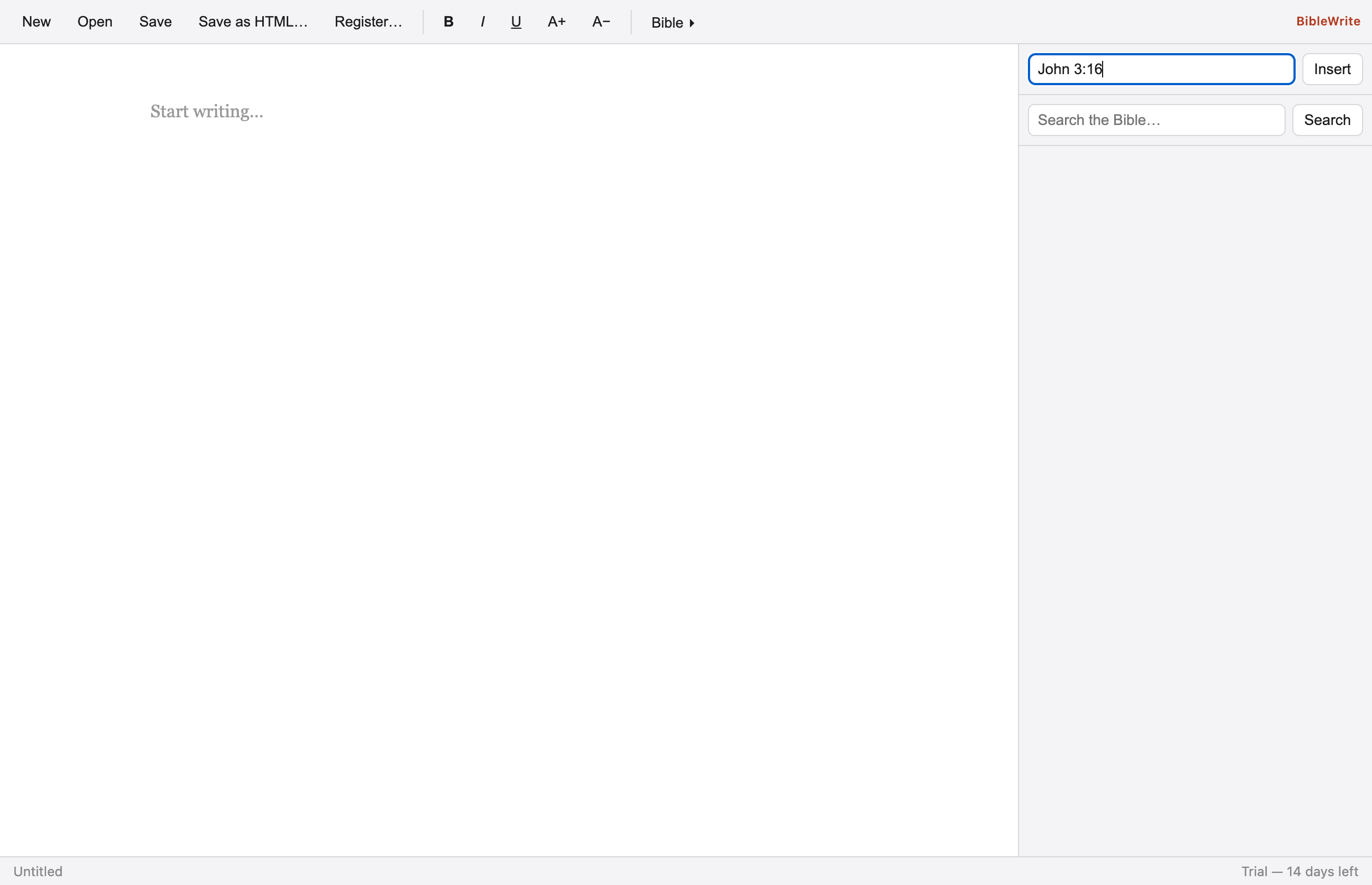
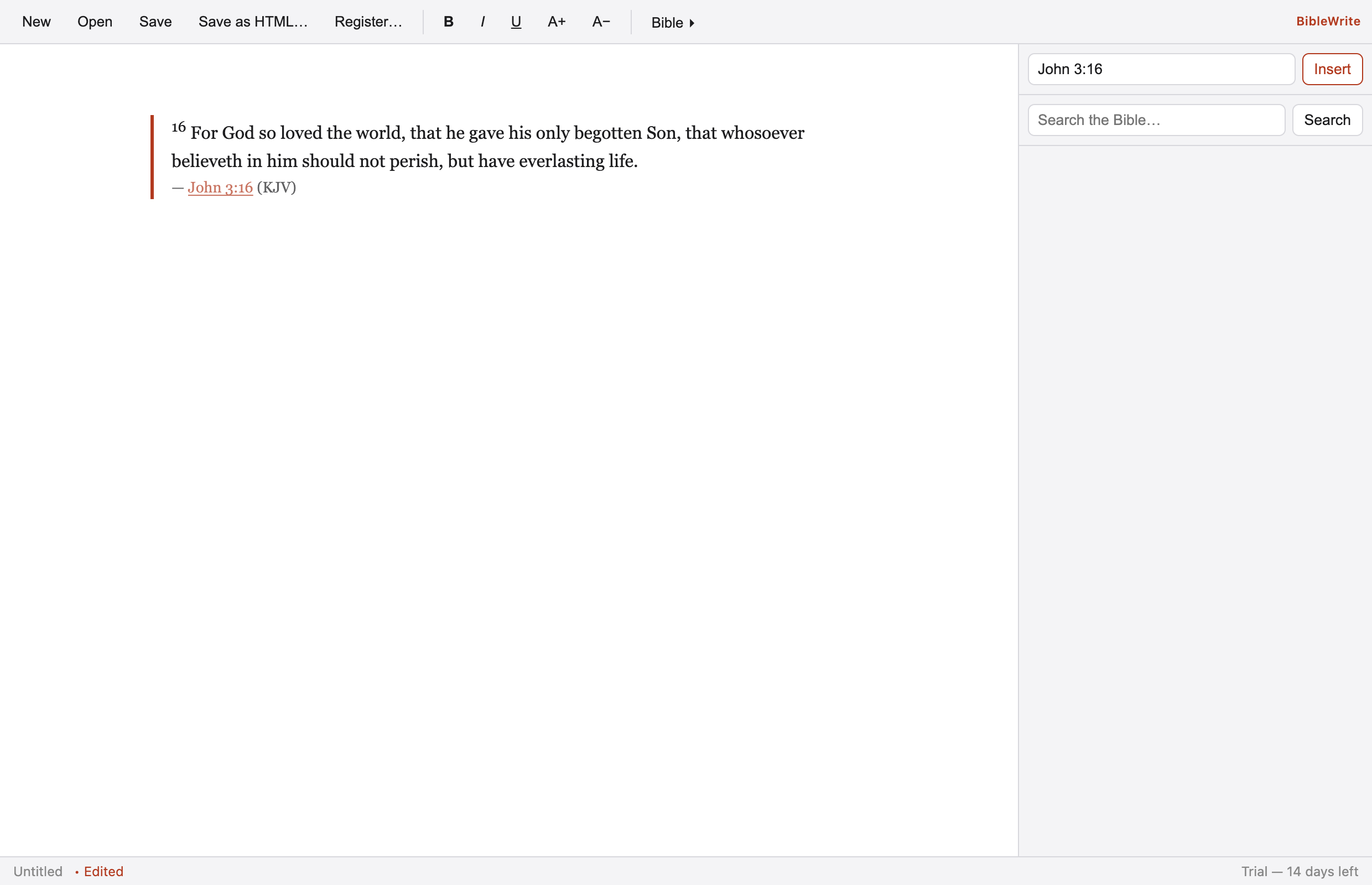
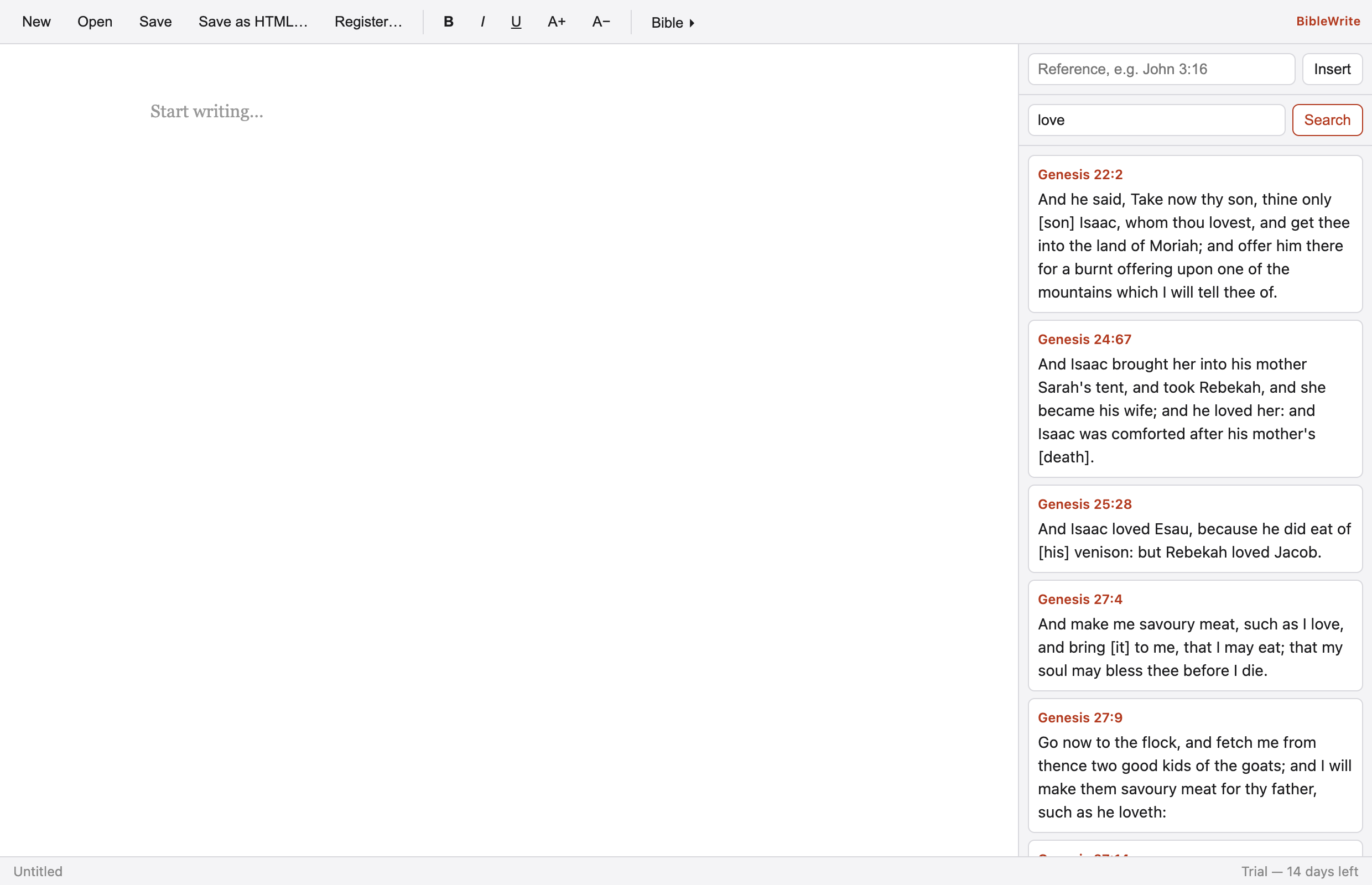
Look up any reference in the full 66-book Protestant KJV — fully offline, with hover previews right where you're reading.
Scripture explorer
Open the explorer to view a passage, add context, or read the full chapter, and step through with Prev/Next. Focus verses stay highlighted while context dims.
Insert verse text
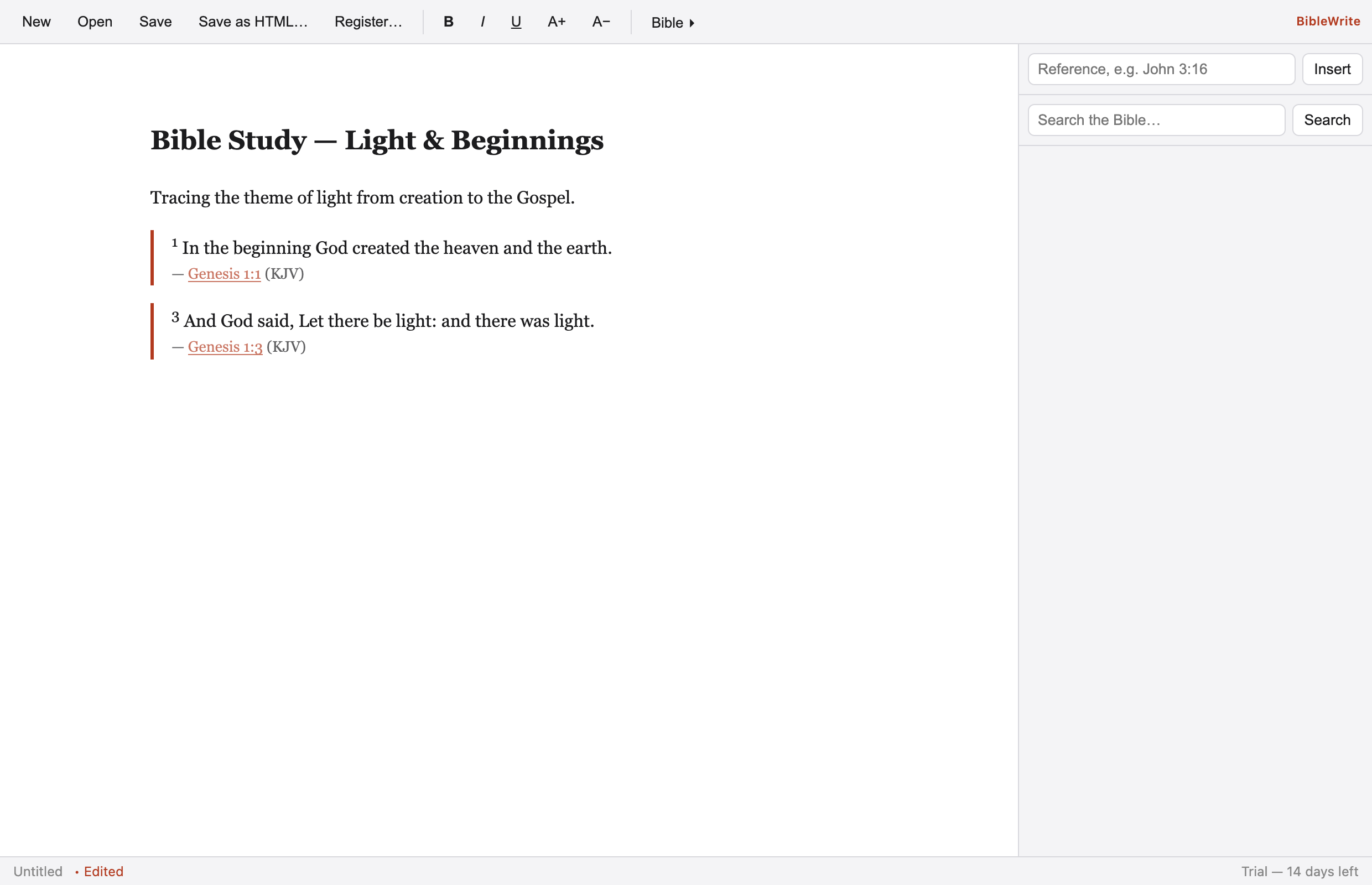
Drop the verse text straight into your document, formatted and ready — no copy-paste juggling between apps.
Copy in many formats
Copy verses as quote + citation, citation first, numbered, all-on-one-line, plain text, or reference only — whatever your document needs.
Rich text formatting
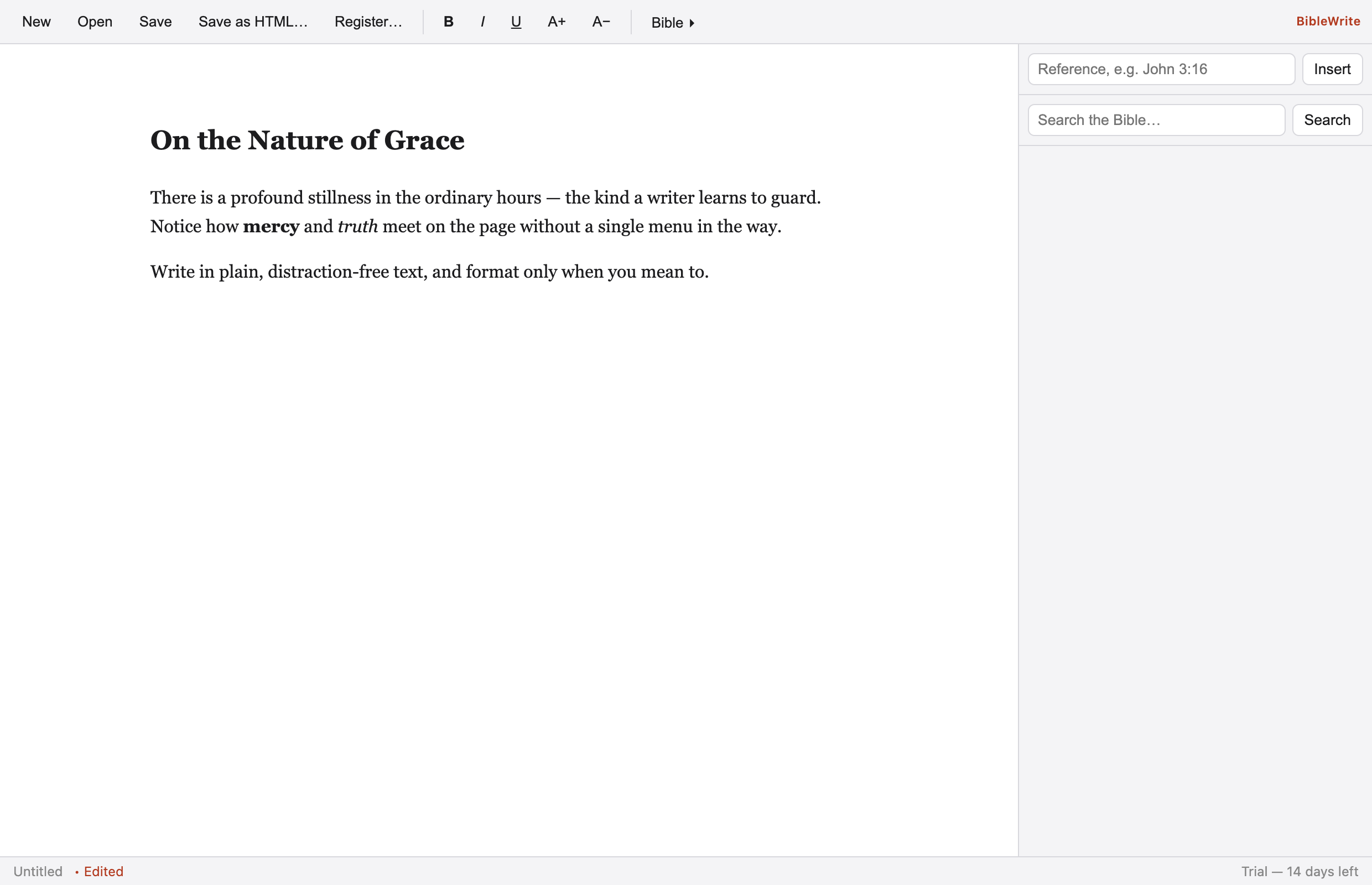
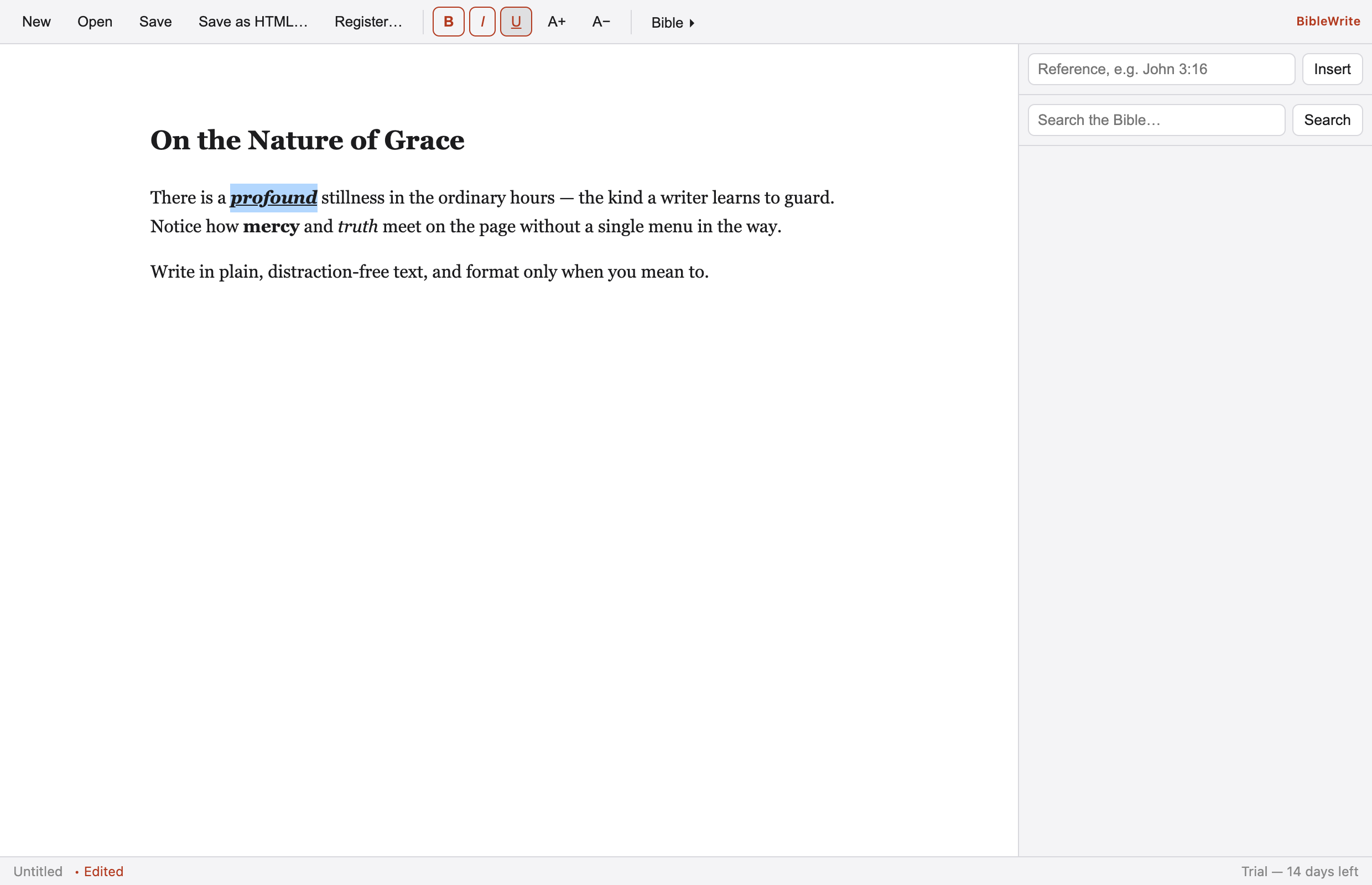
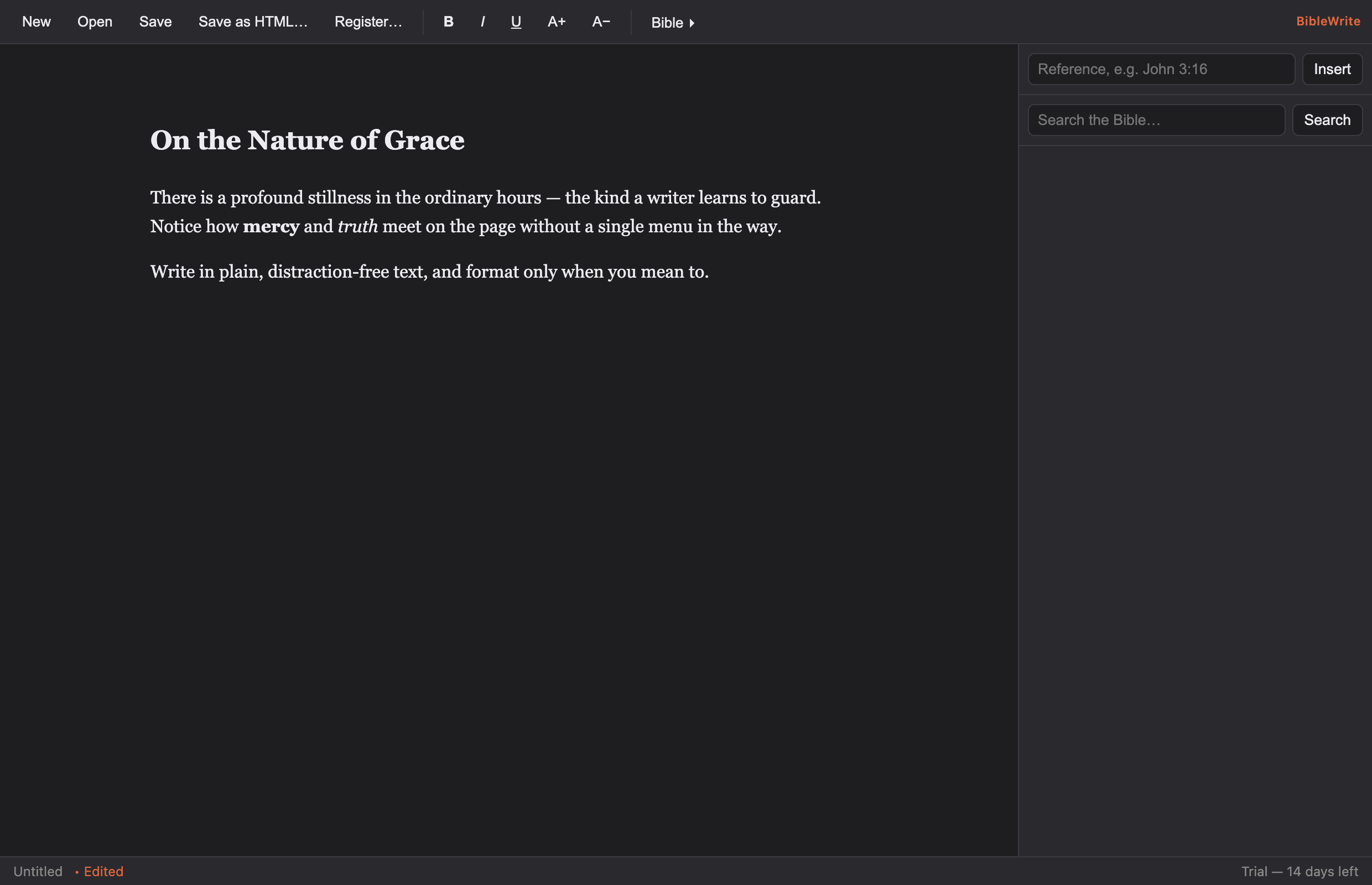
Bold, italic, underline, fonts, sizes, and colors with a clean toolbar and the standard ⌘B / ⌘I / ⌘U shortcuts.
Alignment & lists
Left, center, and right alignment, plus one-click bullet (•) and dash (–) lists that toggle on any selection.
Save as PDF
Export a properly paginated, 1-inch-margin PDF of your document in a single click (⇧⌘P).
Open & save RTF
Read and write standard Rich Text files, so your documents open anywhere.
Print & preview
Print with the native macOS print panel, complete with live print preview (⌘P).
Plain text mode
Switch any document to plain text only (saved as .txt) and back to rich text whenever you like — with unlimited undo.
Set document font
Normalize an entire document to one font face and/or size in a click, preserving bold and italic styling.
Open Recent
Jump back into your last documents from the File ▸ Open Recent menu.
Themes
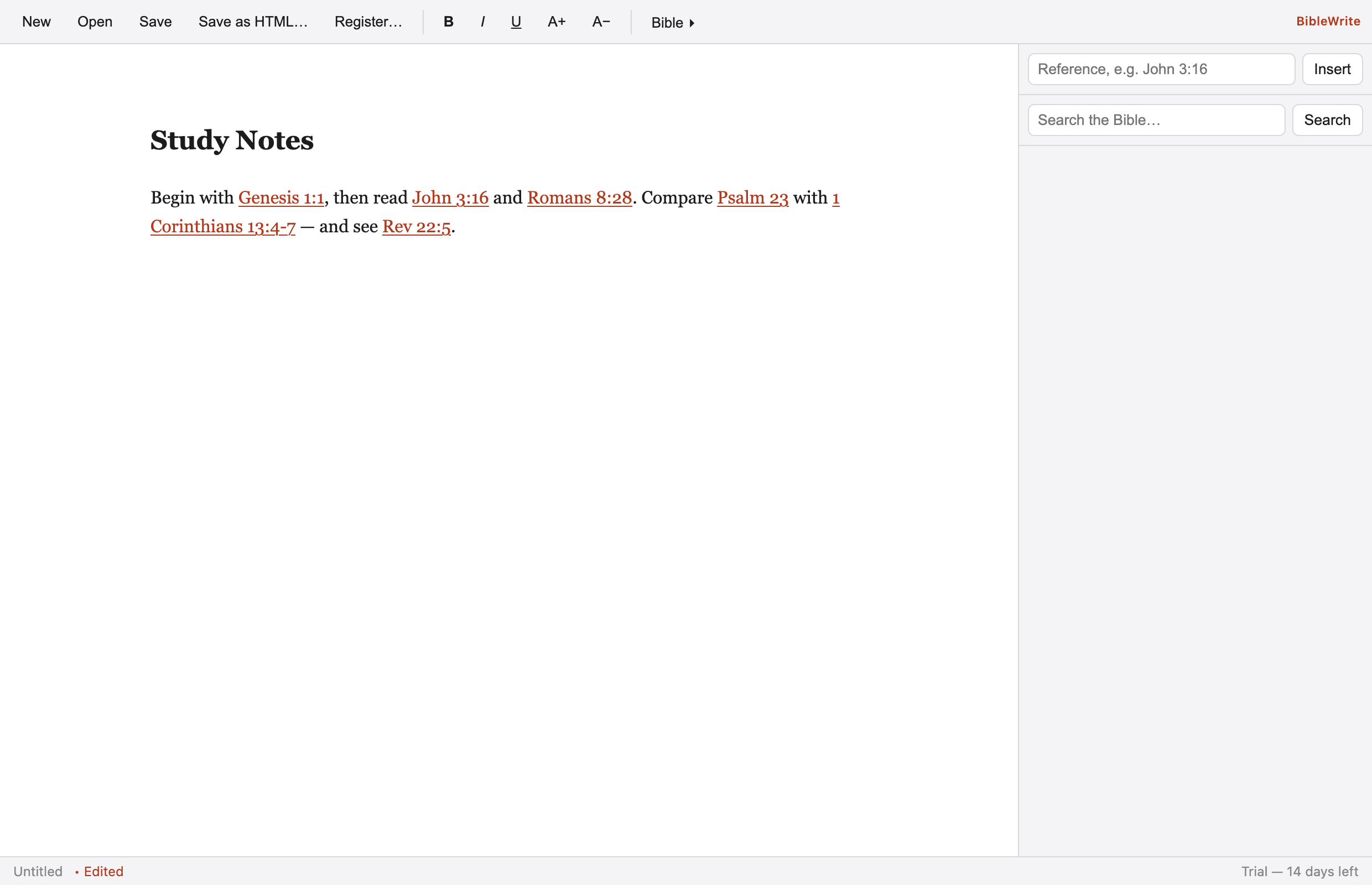
16 light & dark color schemes — Solarized, Nord, One Dark, and more — applied app-wide so writing feels just right.
Never lose work
Unsaved changes are flagged in the title and you’re prompted before closing — with optional recovery autosave to restore documents after an unexpected quit.
Native & fast
A true AppKit app — quick to launch, light on memory, and right at home on macOS.
Automatic updates
BibleWrite updates itself in the background, so you always have the latest version.
See it in action
The same clean editor on macOS, Windows, and Linux.
Get it
A one-time $59.00 — yours to keep, with free updates.
Activate on up to 5 of your Macs — add 2-seat packs for $9.99 anytime. macOS 13+ · Universal (Apple Silicon & Intel).
Secure checkout by Stripe · your serial is issued instantly and emailed to you.
📱 Coming soon — BibleWrite for iPhone & iPad, the companion app: KJV lookup & search, scan a page to find references, voice listener, and write on the go. $9.99 on the App Store.
Requires macOS 13 (Ventura) or later. Universal binary for Apple Silicon and Intel.